

Best Printers for Efficient Home Office Work
The best printer for a home office is a compact, quiet, energy-efficient model with only the features you actually use. Make a list of what you need to print, scan, or copy first, since extra functions raise the price without adding value.
TL;DR
Home offices have less space and less tolerance for noise and heat than a commercial workplace, so a smaller machine usually fits better than a bulky office unit. Start with your real needs, which may be just printing and scanning. Standby power use affects your electric bill, and a model that’s simple to operate saves frustration. Check the maker’s support before you buy, because help matters most when something goes wrong.
Key takeaways
- Write down what you need the printer to do before shopping, so you skip paying for functions you won’t touch.
- Large office printers take up desk space, run loudly, and give off heat, so a smaller model suits a home workspace better.
- Energy-saving printers drop into a low-power standby mode when idle, which keeps the machine ready without a high electricity cost.
- Choose a simple, user-friendly unit with few buttons if you aren’t technical, and ask for a demonstration or walkthrough at purchase.
- Good after-sales service means you can reach someone quickly when a problem comes up.
With everything that has been going on in the world, many are making the move towards working from their respective homes. It has clearly become imperative to fit your home office with all the amenities and equipment that will allow you to work as smoothly and as effectively from the comforts of your home work desk. One of these important office items that you need to have in order to aid you in your workflow is a printer.
However, choosing the right printer for your work office can prove to be tricky and be a hassle when looking at all the specifications and the functionalities. Here are some pointers that you can consider in choosing the right printer for your work from home needs.
- Assess the functionalities you will need. Printers and copiers have really come a long way. Units available in the market are fitted with so many functionalities that it becomes confusing and overwhelming to choose. The best thing to do is to make a list of all the things you need or expect your printer to do for you so that you will know exactly what to look for. This way you can get down to your basic needs and you can get the most out of your printer. You may only need basic printing and scanning functions so you can do away with the other functionalities which tend to add to the price of the printer.
- Consider a more compact printer that can pack a punch. Office printers are usually big and bulky and they can take up a lot of space, make a lot of noise when in use and tend to emit hot air. For a home office set up, getting those chunky printers can prove to be counterproductive and may bring out fuss instead of aid towards your work functions. In choosing a printer for your home, look for those that are smaller in size so it does not take up so much space in your work area. A smaller printer model are usually a lot quieter when being used and does not give off so much hot air unless used for a prolonged period of time.
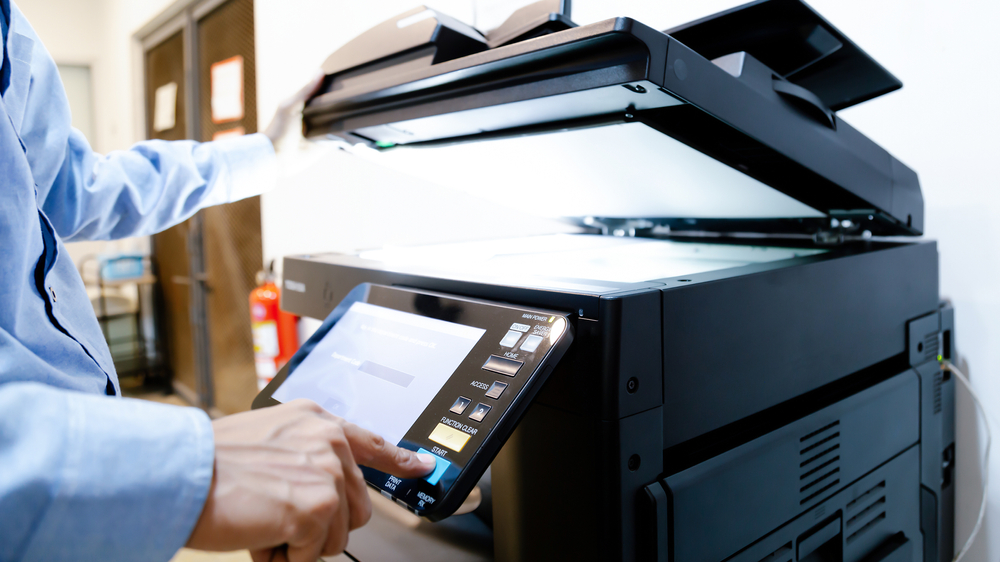
- Look for energy efficiency. Since you will be using this at home it is wise to look for equipment that offers savings when it comes to usage of electricity. An energy saving printer is able to go into standby mode, which consumes relatively lesser energy, when not in use. this way you can have your printer ready and waiting when you need it without having to fear the sky high energy bill.
- Find one that is easy to maintain. Printers can be tricky to have especially if you are not particularly techie or well versed in tinkering with machines or devices. It would be best to look for a printer that is easy to maintain and straightforward to use. Opt for a unit that is user friendly and does not require a lot of button pressing in order to function. It would be best if you get a unit that you are familiar with or have a representative give you a run through of how to operate the machine. Additionally, find a product that can provide you with great after sales service so that you can rest easy knowing that you can easily contact them if you ever get into a difficult situation.
If you plan to get copiers for your office in Atlanta, you can opt to buy copiers or lease copiers in Atlanta. We can give you the option to get the copier that you want. You can contact our local copier leasing services department in your location.
If your Location is around Atlanta, you may call us at (404) 369-0911, our personnel for copier leasing in Atlanta will assist you. If you are also looking for copier repair services in Atlanta, you may contact our copier repair personnel at the same number.
With these tips in mind, you can definitely feel confident that you will be getting the right kind of printer in order to help you with your needs and be able to complete your tasks faster and with more ease.


