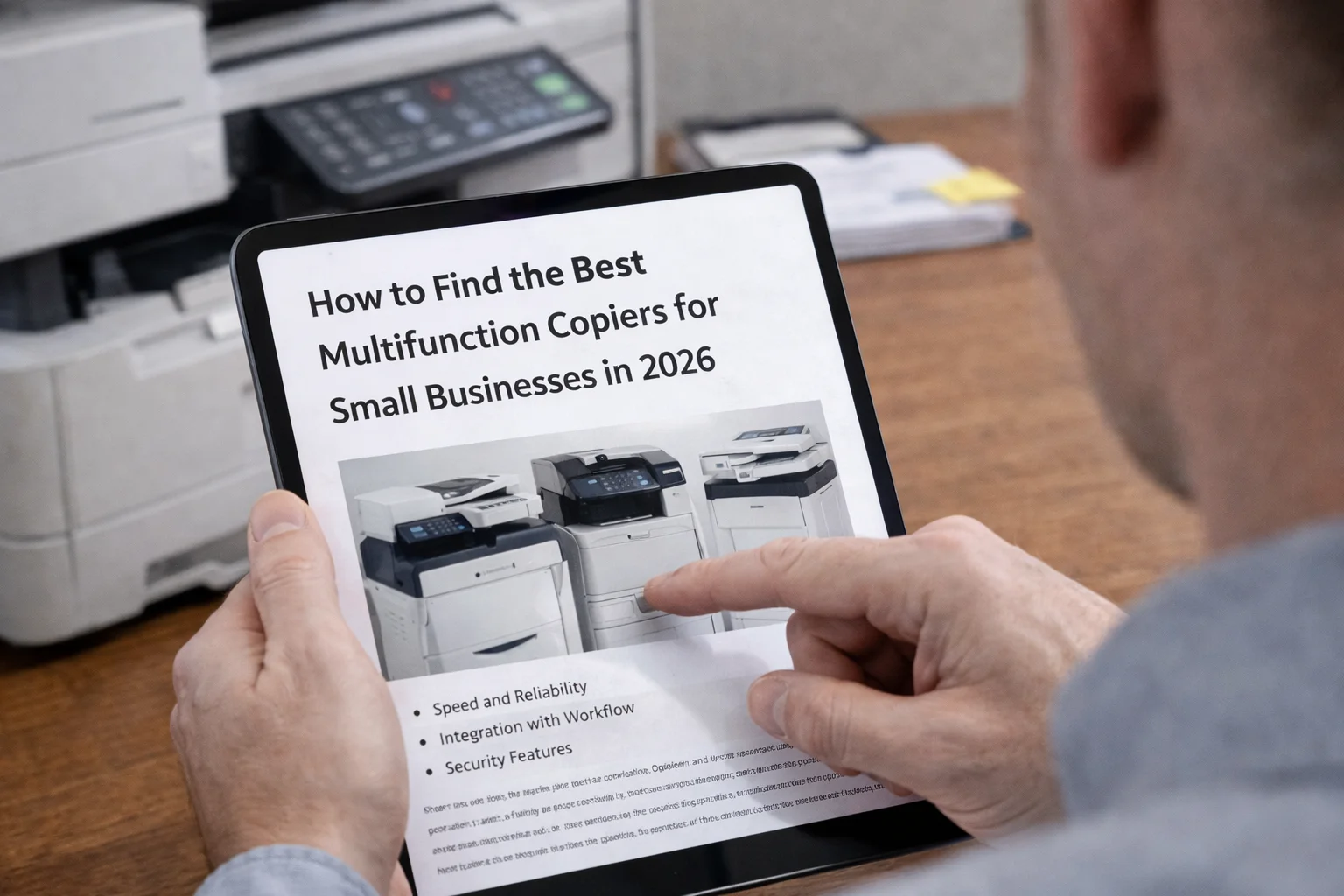
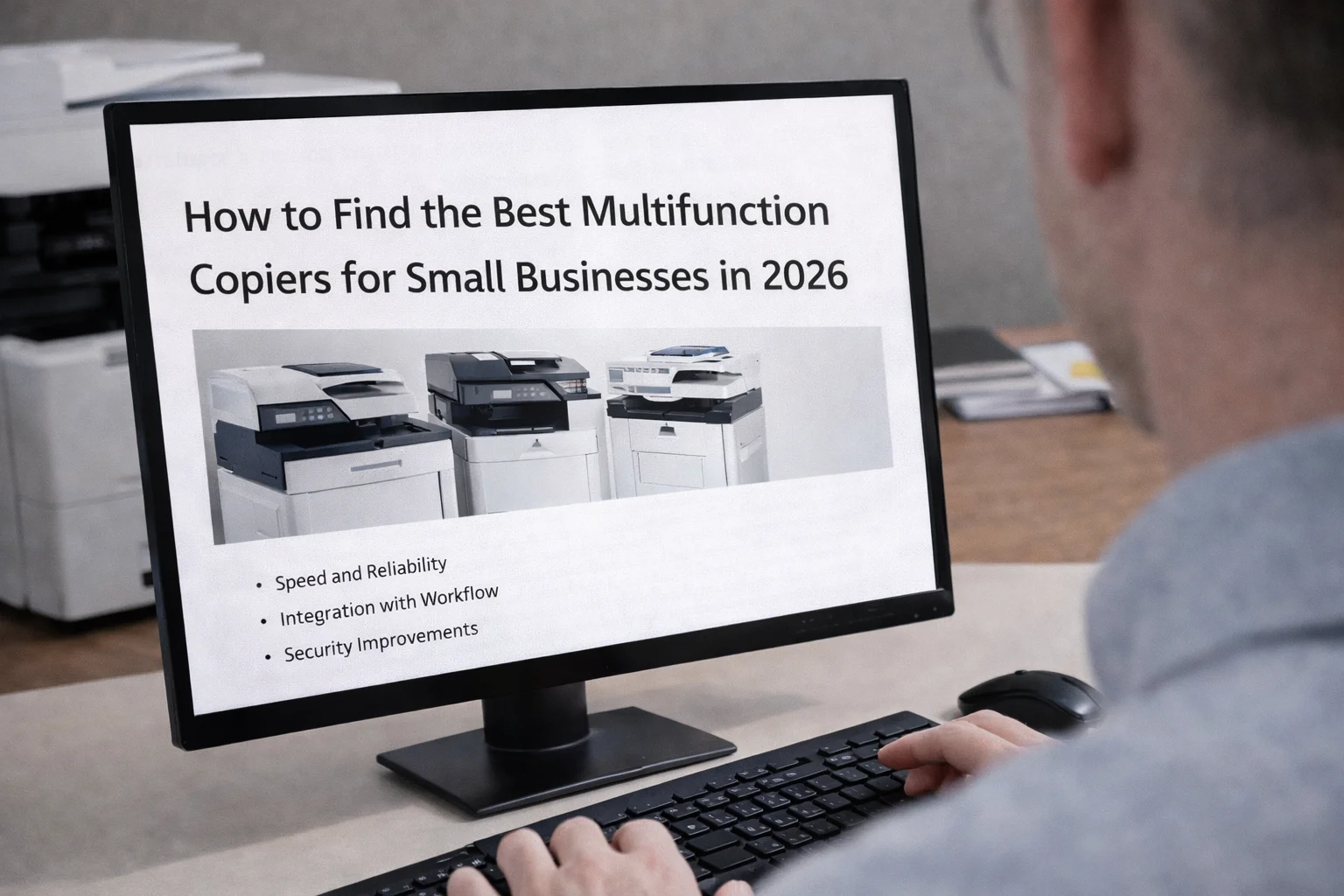
How to Find the Best Multifunction Copiers for Small Businesses in 2026
Choosing a new copier machine used to be about comparing paper trays and speeds. In 2026, your office printer is the heart of your digital workflow, handling everything from cloud scanning to invoice processing. Picking the wrong one creates a bottleneck that slows down your entire team. This guide breaks down how to get the best ROI for your small business.
The Reliability Kings: Models That Stay Running
In a small office, you need a workhorse, not a machine that acts like a sensitive houseplant. We track Mean Volume Between Failure (MVBF)—the data on how many pages a machine prints before it breaks.
The Low-Maintenance Leaders
Based on our network of 3,500+ technicians, Xerox models consistently top the charts for reliability.
- Xerox VersaLink C405: This is a “set it and forget it” machine with fewer moving parts than budget brands.
- Xerox AltaLink B8145: A “tank” built for heavy scanning and high-volume printing.
Why Reliability Saves You Money
Choosing a high-MVBF model protects your copier lease budget by reducing emergency downtime and the need for expensive replacement parts like fuser units.
Scaling Your Office: Should You Rent or Lease?
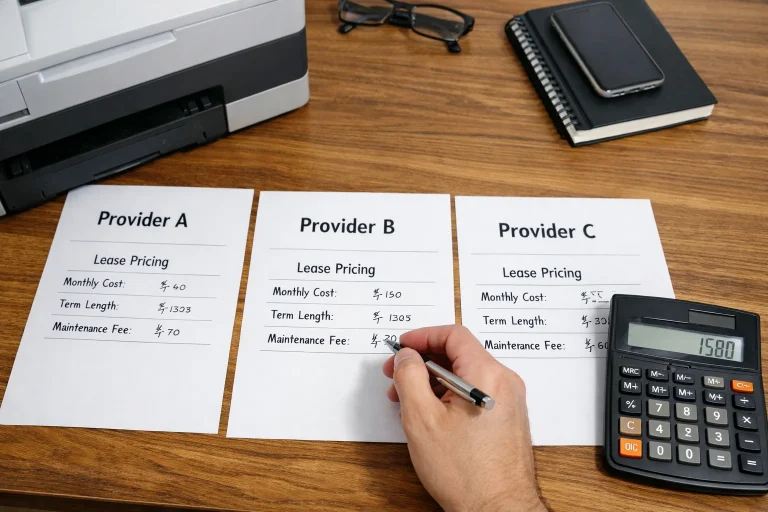
If you plan to double your staff soon, don’t get locked into a five-year contract for a photocopy machine you might outgrow in 12 months.
Why Rental Wins for Growing Teams
A flexible copier rental allows you to swap for a bigger machine as you hire more people without “break lease” penalties. It keeps your cash flow predictable while you focus on marketing and hiring.
When a Lease Makes Sense
A copier lease is best if we “over-spec” the machine from Day 1, putting in a high-volume unit now that is built for the team you will have in two years.
The Sandbox Lab Advantage: No IT Team Required
Most copier lease companies just drop a box at your door and leave. For small businesses without an IT person, this leads to a “Day 1” connectivity nightmare.
The Plug-and-Play Experience
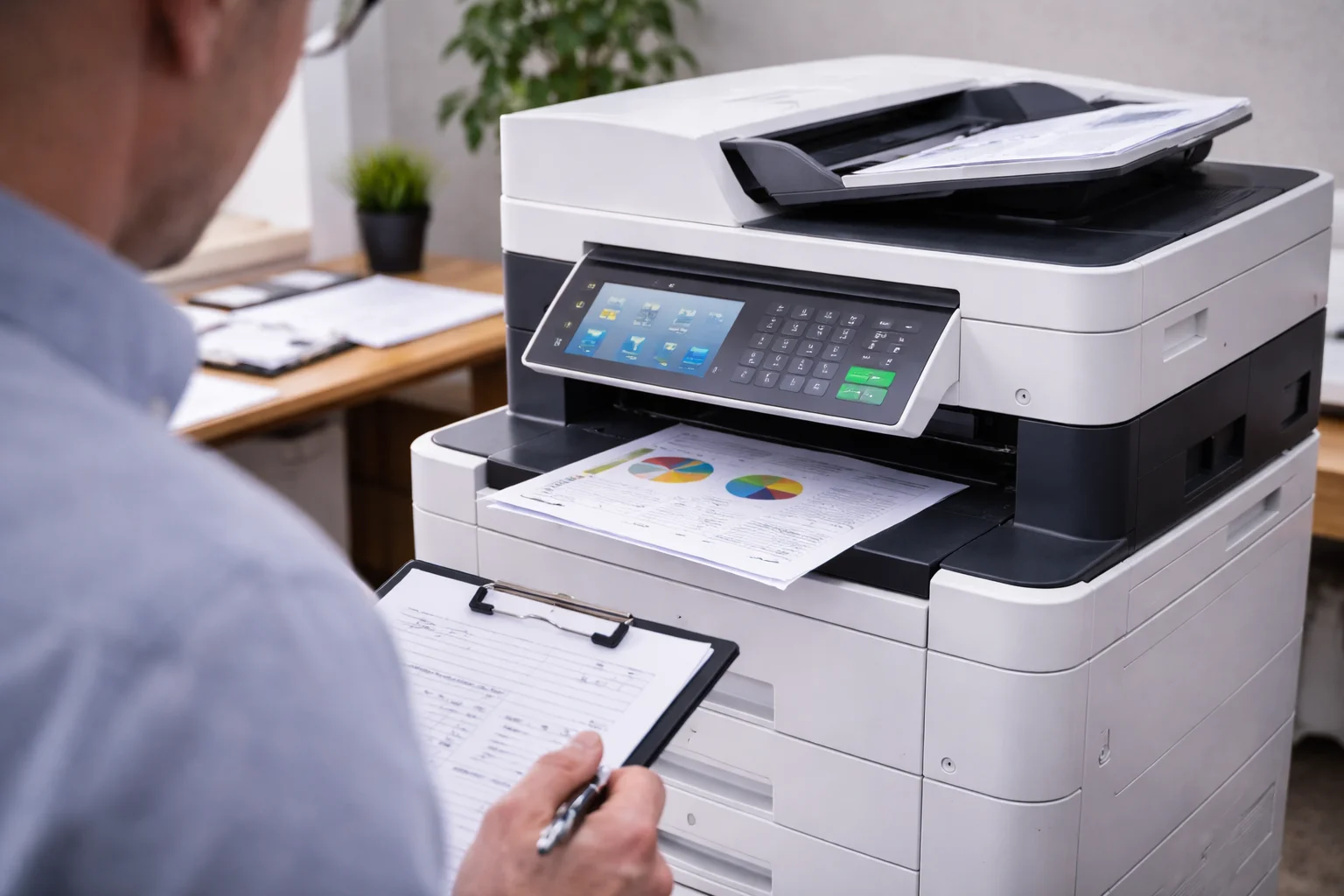
Our Sandbox Lab pre-configures your multifunction copier before it leaves our warehouse.
- Scan-to-Email: We program staff email addresses so scanning works instantly.
- Security Patching: We install the latest firmware in a controlled setting.
- Driver Deployment: We ensure the machine is compatible with your Macs and PCs.
Table 1: Setup Comparison
| Feature | Clear Choice Sandbox Lab | Standard “Drop-and-Run” |
| Network Configuration | Done before delivery | Customer must handle |
| Security Patches | Pre-installed | Often outdated out of the box |
| IT Costs | $0 | $150+/hour for consultants |
Security “Non-Negotiables” for 2026
Hackers target small businesses because their copier machine is often the weakest link. Three features are mandatory for protection.
McAfee and Zero Trust
McAfee acts as a digital bouncer, ensuring only safe files run on your machine. Zero Trust Architecture requires strict authentication for every scan or print job, preventing unauthorized access.
Automatic Disk Overwrite
A secure Xerox copier lease unit will “shred” digital images from the hard drive the moment a job is finished.
A3 vs. A4: The “Right-Sizing” Reality Check
Many small offices pay for massive A3 (11×17) floor models they never use. Our audit shows 60% of clients are paying for a machine that is too big for their needs.
The Efficiency of A4 Desktop Units
Moving to a high-speed A4 unit offers a lower monthly copier lease payment and cheaper toner supplies. Most teams can save 20-30% by “downsizing” to a machine that fits their actual workload.
The 4-Hour Lifeline: Saving Your Deadline
When your only photocopy machine breaks, work stops. Most budget providers offer a “best effort” response that can take two days. Our 4-hour guarantee ensures a technician is on-site rapidly with the right parts in their van to save your filing deadline.
Avoiding Hidden “Toner Traps”
“Budget” deals often hide their real costs in the supplies.
- Starter Cartridges: Many machines ship only 20% full, leading to a surprise $400 toner bill in the first month.
- Low-Yield Cartridges: Some contracts lock you into “Standard Yield” toner that costs three times more per page than “High-Yield” options.
Why Xerox UI Wins for Small Teams
Xerox designed their interface to work like a smartphone.
- One-Touch Apps: Create buttons like “Scan to Accounting” for complex tasks.
- Familiar Gestures: Staff can swipe and pinch to navigate with zero learning curve.
Managed IT Integration: The TCO Secret
A standalone machine from a big-box store requires an outside IT tech every time your Wi-Fi changes. Integrating your xerox copier lease with Managed IT services eliminates vendor finger-pointing and allows for remote troubleshooting and automatic supply ordering.
Refurbished vs. New: The Budget Hack
A “Certified Pre-Owned” enterprise machine will outlast a cheap, new retail model every time.
Table 2: Refurbished Enterprise vs. Cheap Retail
| Feature | Certified Pre-Owned Xerox | New “Big-Box” Budget Printer |
| Build Material | Steel and heavy-duty parts | Plastic gears |
| Security | Zero Trust included | Basic/Consumer grade |
| Longevity | Built for millions of prints | Built for home office use |
The Smart Path to Small Business Efficiency
Choosing the best multifunction copier machine for small businesses in 2026 isn’t just about finding a unit that fits your current budget; it’s about investing in a partner that grows with your team. Whether you opt for a high-performance Xerox copier lease or the agility of a copier rental, the goal is the same: 100% uptime, “Zero Trust” security, and a user interface that doesn’t require an advanced degree to operate.
As we’ve discussed, the real savings often come from the factors you can’t see on a spec sheet, like the Sandbox Lab pre-configuration that eliminates Day 1 IT headaches, or a 4-hour response guarantee that keeps a minor glitch from turning into a missed deadline. By “right-sizing” your hardware and avoiding common toner traps, you ensure your office remains productive without overpaying for features you don’t need. Don’t settle for a “drop-and-run” delivery from a big-box store; your business deserves a tailored solution that balances cost, speed, and reliability.