

5 Signs You Need an Atlanta Copier Upgrade
If your office copier is constantly jamming, printing faded pages, or struggling to keep up with your team’s daily workload, your business is paying a hidden price – and most owners don’t notice until the costs become impossible to ignore. Knowing when to upgrade your copier is one of the most overlooked decisions in office management, yet it directly affects your team’s productivity, your monthly expenses, and how professionally your documents represent your brand.
This guide is for business owners, office managers, and anyone responsible for keeping an office running efficiently. Whether you currently own, lease, or rent your equipment, these five warning signs will tell you exactly when it’s time to make a change – and what the smartest next move looks like.
The 5 Signs It’s Time to Upgrade Your Business Copier
Frequent Breakdowns and Repair Bills
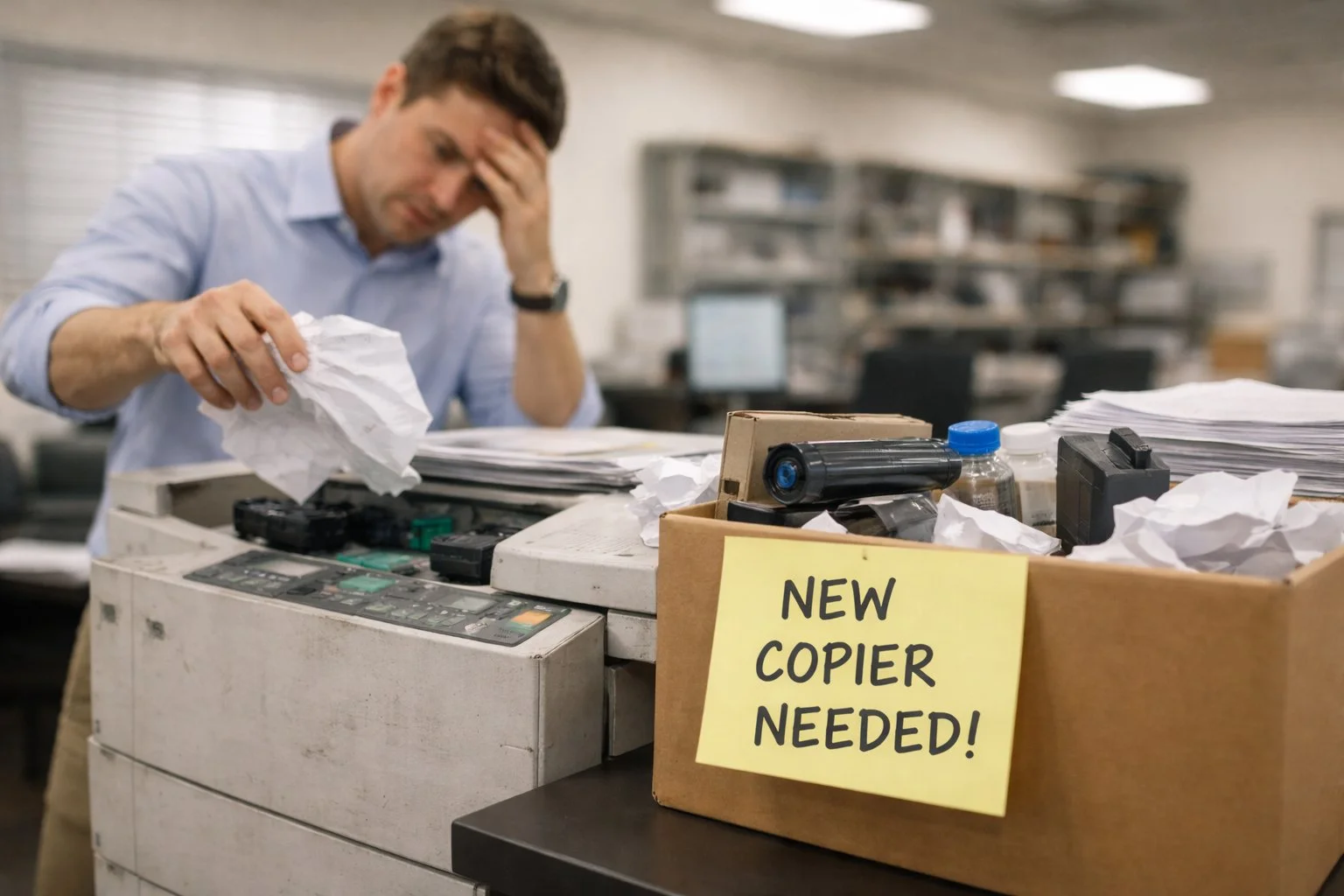
A copier that breaks down occasionally is normal. A copier that breaks down regularly is a liability. When your team has started referring to the machine by nickname and every Monday begins with a service call, the copier has crossed from “aging equipment” to “active business problem.”
The cost of constant repairs adds up in two ways. The first is obvious: technician visits, replacement parts, and drum or fuser replacements all come with invoices. The second is less visible but equally real – every hour the machine is down is an hour your team is printing at an outside shop, scanning on a phone, or simply not doing what they were hired to do.
As a practical rule: if your copier has required two or more service calls in the past 12 months, or if a single repair estimate exceeds 50 percent of the machine’s current market value, the math no longer favors fixing it. The money you are spending to keep an old machine running would comfortably cover the monthly payment on a newer, fully-covered replacement.
A mid-size office losing just two hours of copier access per month accumulates an estimated 20 to 40 hours of lost staff productivity annually when you factor in workarounds, troubleshooting, and waiting. That is real labor cost attached to old hardware.
Slow Performance and Outdated Features
Technology moves fast. A copier leased or purchased five or six years ago was capable at the time. Today, that same machine likely lacks wireless printing, mobile connectivity, cloud scanning, encrypted hard drive storage, and automatic document finishing – all standard features on modern units.
Slow output speeds create more friction than most businesses track. A copier rated at 20 pages per minute takes twice as long to complete the same print job as a 40 ppm unit. Multiply that across dozens of daily print runs and the cumulative time loss is significant. Beyond speed, outdated machines also carry real security risks – older copiers typically store document images on unprotected hard drives without the encryption and automatic data wiping that modern units include by default.
If your copier lacks mobile print support, cloud integration, or network authentication, it may be creating compliance exposure in addition to productivity friction – especially in healthcare, legal, or financial environments.
Rising Printing Costs
Your copier’s cost per page is one of the most useful numbers in your office budget – and one of the least monitored. As machines age, they use toner less efficiently, require more frequent cartridge replacements, and drive up the per-page cost of everything your team produces.
If your monthly printing costs have been climbing without a matching increase in your print volume, the machine itself is the source. Newer copiers deliver cost-per-page rates that are often 30 to 50 percent lower than machines five or more years old. Beyond toner efficiency, aging copiers consume significantly more power than modern energy-efficient units – adding a quiet but consistent overhead to monthly utility costs that most businesses never attribute back to the copier.
Poor Print Quality
Streaky output. Faded text. Pages with ghosting or uneven toner distribution. These are not minor cosmetic annoyances – they represent your business in every document you hand to a client, submit to a vendor, or file internally. Poor print quality most commonly comes from worn drums, deteriorating fuser assemblies, or toner delivery systems past their service life.
Each of these components can be replaced individually, but on an aging machine, fixing one often reveals the next failing part within a few months. If your print quality has declined and a full cleaning and drum replacement did not resolve it, the machine has moved past cost-effective restoration.
Your Copier Can No Longer Keep Up With Business Growth
Businesses grow. Print volumes grow with them. A machine that handled your workload perfectly at 5,000 pages per month becomes a bottleneck at 12,000. Monthly duty cycle limits are not suggestions – consistently running a copier beyond its rated capacity accelerates mechanical wear and dramatically shortens its lifespan.
If your team is waiting in line for the copier, spreading print jobs across multiple smaller devices to compensate, or routinely hitting monthly volume limits, the machine is no longer matched to your business. That mismatch costs real time every single day – and unlike a repair, it cannot be fixed with a service call.
Repair vs. Upgrade – What the Numbers Actually Say
Before committing to an upgrade, it helps to run a quick side-by-side comparison against continued repair. The table below outlines the key decision factors and what each answer suggests.
| Factor | Lean Toward Repair | Lean Toward Upgrade |
| Machine age | Under 3 years | 4+ years old |
| Repair frequency | 1 call per year or less | 2+ calls in 12 months |
| Repair cost vs. machine value | Below 25% | Exceeds 50% |
| Current print quality | Acceptable | Declining or inconsistent |
| Volume vs. rated duty cycle | Comfortably under | At or consistently over |
| Features vs. current needs | Meets all current needs | Missing key integrations |
| Supply availability | Toner & parts readily available | Parts discontinued or scarce |
The 50 percent rule remains the most reliable single indicator: if one repair approaches or exceeds half the copier’s current market value, upgrading is almost always the smarter financial decision. Factor in the ongoing cost of future repairs – because on an aging machine, the problems rarely stop at one – and the case for upgrading becomes even clearer.
How to Choose the Right Replacement Copier
Deciding to upgrade is the straightforward part. Choosing the right replacement requires a little more thought. Here are the most important factors to evaluate before committing to any machine, regardless of how you acquire it.
Monthly duty cycle
Every copier carries a rated monthly duty cycle – the maximum pages it can reliably produce per month. Always select a machine whose rated cycle exceeds your actual average volume by at least 20 to 30 percent. Running at maximum capacity consistently accelerates wear and will put you back in the same situation sooner than expected.
Print speed
For offices printing fewer than 3,000 pages per month, a machine in the 25–35 pages per minute range is typically sufficient. Higher-volume environments should look at 40–65 ppm options. Speed matters most in shared-use settings where multiple team members compete for access during peak hours.
Color vs. monochrome
If a significant share of your output includes client-facing documents, presentations, or marketing materials, a color multifunction unit is worth the additional cost per page. For offices that primarily produce contracts, reports, and internal memos, a high-speed monochrome copier will cost less per page and carry a lower monthly lease rate.
Connectivity and integrations
Your next copier should connect wirelessly, support mobile printing, and integrate with the cloud storage and document management platforms your team already uses – Google Drive, SharePoint, Dropbox, or others. Confirm compatibility before signing any agreement.
Service and maintenance coverage
A lease or rental that bundles a full-service agreement – covering toner, parts, and labor – eliminates the unpredictability of repair invoices entirely. When comparing monthly quotes, always confirm what is and is not included, and calculate the total cost including consumables before making a side-by-side comparison.
Why Leasing Makes Upgrading Easier and Smarter
One of the most practical reasons businesses choose a copier lease for their upgrade is simple: it removes the barrier that keeps most companies stuck with outdated equipment in the first place – upfront cost.
A commercial copier capable of handling mid-size office needs typically retails between $3,000 and $12,000 depending on speed, features, and volume capacity. Most businesses don’t carry that kind of capital allocation for office equipment, and tying funds to depreciating hardware is rarely the best use of available cash.
A copier lease spreads that investment into predictable monthly payments – generally between $75 and $500 per month depending on the machine and term length – while keeping capital free for the parts of your business that actually grow. Beyond the financial structure, leasing provides an upgrade path that outright ownership does not: when the term ends, you simply transition into newer equipment rather than owning a machine that has depreciated and is again approaching the end of its useful life.
For businesses in healthcare, legal, real estate, education, or financial services – industries where print quality, document security, and feature currency carry real professional weight – staying current through regular lease upgrades is a genuine competitive advantage. Explore your copier lease options and get a personalized quote based on your actual volume and workflow before your current machine forces a rushed decision.
Frequently Asked Questions
How do I know if my copier needs to be upgraded or just repaired?
The most reliable indicator is the 50 percent rule: if a single repair estimate approaches or exceeds half of the copier’s current market value, upgrading is the smarter financial decision. Also consider frequency – two or more service calls within the past 12 months means cumulative repair costs will likely exceed the monthly payment on a replacement lease within the year. If both conditions are true, there is little financial case for continued repair.
What is the average lifespan of a business copier?
Most commercial copiers are designed to last between 5 and 10 years, depending on usage volume and maintenance quality. Machines consistently operated above their rated monthly duty cycle will reach the end of their useful life significantly faster. After five years, even well-maintained units often begin showing declining output quality, increasing repair frequency, and growing difficulty sourcing replacement parts and supplies.
Is it better to lease or buy a copier when upgrading?
For most businesses, a copier lease delivers better overall value than an outright purchase. Leasing provides lower upfront cost, predictable monthly payments, and a clear upgrade path at the end of the term. Purchasing ties capital to equipment that depreciates quickly and leaves you owning an aging machine when it approaches end-of-life again. The exception is businesses with specific asset ownership requirements – in those cases, a $1 buyout lease structure provides full ownership at the end of the term while preserving the monthly payment structure of a lease.
How much does it cost to upgrade to a new copier?
Purchasing a commercial copier outright typically ranges from $2,000 to $15,000 or more depending on volume capacity and features. Leasing the same equipment generally runs between $75 and $500 per month on a 36 to 60-month term. Many copier lease agreements include a bundled full-service plan covering toner, parts, and labor – which further reduces total cost unpredictability and makes month-to-month budgeting significantly easier than ownership.
Ready to Stop Paying to Keep the Wrong Machine Running?
If two or more of these signs are familiar, your current copier is costing you more than a replacement would. Review your actual monthly repair and printing costs, compare them against a modern lease rate, and make the upgrade from a position of choice – not emergency.
The three things to take away: repair costs accumulate faster than most businesses realize · a copier lease is the lowest-friction path to better equipment – the right time to act is before the machine forces your hand.


